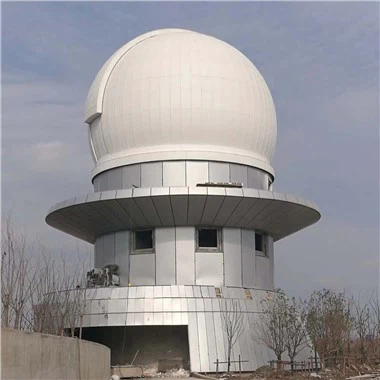
Creating content for a Projection Dome can be an exciting and rewarding endeavor. As a Projection Dome supplier, I've had the privilege of working with various clients to bring their visionary ideas to life within these immersive spherical environments. In this blog, I'll share some insights and strategies on how to craft engaging and effective content for a Projection Dome.
Understanding the Projection Dome Environment
Before diving into content creation, it's crucial to understand the unique characteristics of a Projection Dome. Unlike traditional flat - screen displays, a Projection Dome offers a 360 - degree immersive experience. The spherical shape provides a sense of enclosure, making the audience feel like they are part of the content.
The curvature of the dome also affects how the content is perceived. Distortions can occur if the content is not properly calibrated for the dome's shape. Therefore, specialized software and tools are often required to ensure that the images and videos are correctly projected onto the curved surface. For more information about our Projection Domes, you can visit Projection Dome.
Defining Your Audience and Purpose
The first step in creating content for a Projection Dome is to define your target audience and the purpose of the content. Are you creating educational content for school children, entertainment content for a public event, or marketing content for a corporate client?
If your audience is school children, for example, you might want to focus on educational topics such as astronomy, biology, or history. The content should be engaging, interactive, and easy to understand. You could create a virtual field trip to a distant planet or a pre - historic jungle. Our Planetarium Dome for Schools is an ideal solution for such educational purposes.
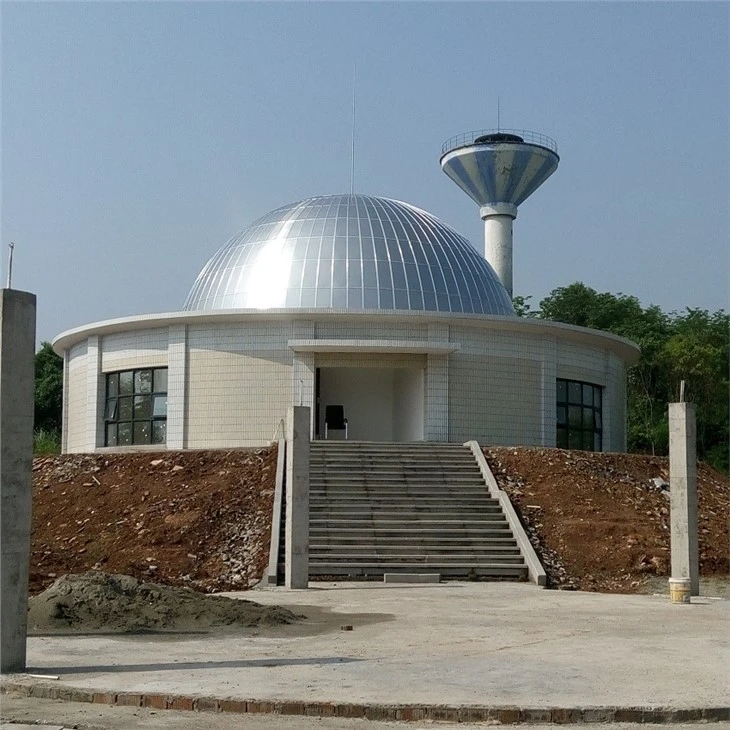

On the other hand, if you're creating entertainment content for a public event, the goal might be to create a visually stunning and immersive experience. You could use high - resolution images, dynamic videos, and synchronized sound to captivate the audience. For corporate clients, the content could be designed to showcase products, services, or corporate values in an innovative way.
Choosing the Right Content Format
There are several content formats that can be used in a Projection Dome, including videos, images, animations, and interactive experiences.
Videos
Videos are a popular choice for Projection Domes as they can tell a story, convey information, and evoke emotions. When creating videos for a dome, it's important to consider the aspect ratio and the spherical projection. The video should be shot or edited in a way that takes advantage of the 360 - degree view. For example, a video of a nature scene could show the sky, the ground, and the surrounding landscape in a seamless 360 - degree panorama.
Images
High - resolution images can also be used to create a static or dynamic display in the dome. Multiple images can be combined to create a collage or a slideshow. Images can be used to set the mood, provide context, or highlight key points in the content.
Animations
Animations offer a high degree of creativity and flexibility. They can be used to explain complex concepts, create fictional worlds, or add a touch of whimsy to the content. 3D animations are particularly effective in a Projection Dome as they can create a sense of depth and immersion.
Interactive Experiences
Interactive content is becoming increasingly popular in Projection Domes. This can include touch - screen interfaces, motion - controlled games, or augmented reality experiences. Interactive content allows the audience to actively participate in the experience, making it more engaging and memorable.
Content Creation Process
Research and Planning
Once you've defined your audience, purpose, and content format, the next step is to conduct research and create a detailed plan. If you're creating educational content, you'll need to gather accurate information from reliable sources. For entertainment content, you might want to research current trends and audience preferences.
The plan should include a storyboard or a script that outlines the flow of the content. It should also specify the key messages, the duration of each section, and the visual and audio elements required.
Design and Development
After the research and planning phase, it's time to start designing and developing the content. If you're creating a video, this might involve shooting footage, editing the video, and adding special effects. For animations, you'll need to create the 3D models, animate them, and render the final output.
When designing the content, keep in mind the limitations and opportunities of the Projection Dome. Use the spherical shape to your advantage by creating content that wraps around the audience. Avoid creating content that is too flat or one - dimensional.
Testing and Optimization
Once the content is developed, it's essential to test it in the Projection Dome. This will help you identify any issues with the projection, such as distortions, alignment problems, or color discrepancies. You can also gather feedback from a small group of test users to evaluate the effectiveness of the content.
Based on the test results, you can make the necessary adjustments and optimizations. This might involve fine - tuning the projection settings, improving the visual quality, or enhancing the interactivity of the content.
Collaborating with Experts
Creating content for a Projection Dome can be a complex process that requires a combination of technical and creative skills. It's often beneficial to collaborate with experts in the field, such as projectionists, graphic designers, animators, and content writers.
Projectionists can help you ensure that the content is correctly projected onto the dome. They have the knowledge and experience to set up the projection system, calibrate the images, and troubleshoot any technical issues. Graphic designers and animators can bring your ideas to life with their creative skills. They can create stunning visuals, animations, and user interfaces that are optimized for the Projection Dome environment. Content writers can help you craft engaging and informative scripts that convey your message effectively.
Marketing and Promotion
Once you've created the content, it's important to market and promote it to your target audience. You can use various channels, such as social media, email marketing, and public relations, to reach potential users.
For example, if you've created educational content for schools, you can reach out to school administrators, teachers, and educational institutions. You can offer them a free demonstration of the content in your Projection Dome or provide them with samples and case studies.
If you're creating entertainment content for a public event, you can use social media platforms to create buzz and attract attendees. You can share teaser videos, images, and details about the event to generate interest.
Conclusion
Creating content for a Projection Dome is a creative and challenging process that offers endless possibilities. By understanding the unique characteristics of the Projection Dome, defining your audience and purpose, choosing the right content format, following a structured content creation process, collaborating with experts, and effectively marketing your content, you can create immersive and engaging experiences that leave a lasting impression on your audience.
If you're interested in purchasing a Projection Dome or collaborating on content creation, we'd love to hear from you. Contact us to start a discussion about your specific needs and how we can help you bring your ideas to life in the world of Projection Domes.
References
- "Projection Mapping: Creating Immersive Experiences" by [Author's Name]
- "3D Animation for Spherical Displays" by [Author's Name]
- "Educational Content Development for Digital Learning Environments" by [Author's Name]